💻 Desktop
📱 iOS & Android
💻 Desktop
📱 iOS & Android
💻 Desktop
📱 iOS & Android
Make sure to go to the teams overview first.
💻 Desktop
📱 iOS & Android
Now you can delete a team if you are a Team Lead:
To choose and view a particular team:
| Dealer | Team Lead | User/Customer | |
|---|---|---|---|
| Access | Invited | Invited | Invited |
| Create New Team | ✓ | ✓ | ✓ |
| Edit Team (Name, Email, Country) | ✓ | ✓ | – |
| Delete Team | ✓ | ✓ | – |
| Show Users | ✓ | ✓ | ✓ |
| Add Users | ✓ | ✓ | – |
| Manage User Permissions | ✓ | ✓ | – |
| Manage User Password | ✓ | ✓ | – |
| Remove User from Team | ✓ | ✓ | – |
| Manage Places | ✓ | ✓ | ✓ |
| Edit Billing Information | ✓ | ✓ | – |
| Manage Subscription | ✓ | ✓ | – |
| Customize Design | ✓ | ✓ | – |
| Manage Fleet | ✓ | ✓ | ✓ |
When activating the QR code feature via "Team Settings" and "Technical", upon adding the bot to your team, the bot's status will indicate "no QR assigned". QR code stickers can be bought from FieldBots.
To assign a QR code to a robot on 📱 iOS/Android:
To quickly open a robot in FieldBots, you can now scan the QR code with your camera.
On the robot details page, tap or click on the calendar icon to choose your desired date range:
You will be able to view the following data:
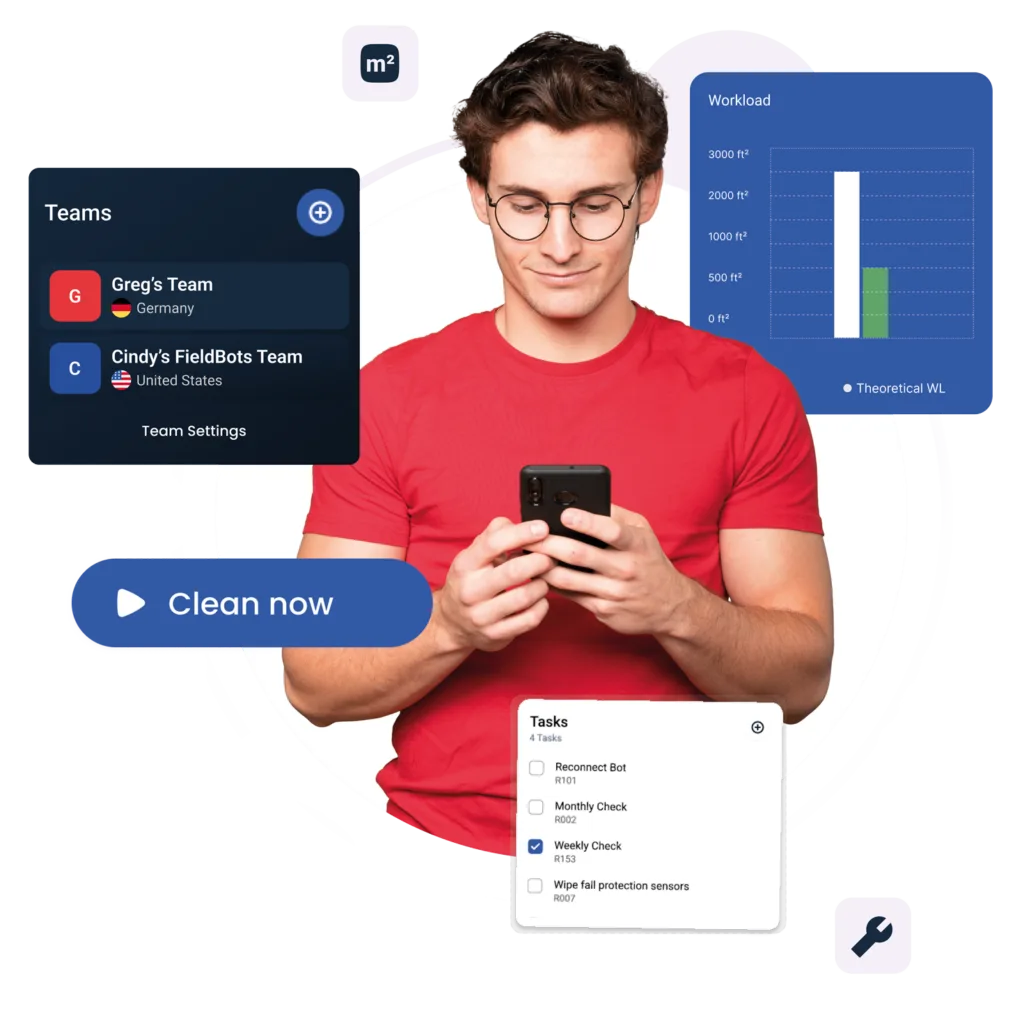
Current Workload: sqm cleaned within a given timespan.
Theoretical Workload: actual sqm per hour cleaned times the time the bot spent idle in the dock without charging, plus the sqm cleaned within the current timespan.
Download a CSV file for Microsoft Excel via the cloud icon.
Choose "Data" in the horizontal main navigation, then tap on the calendar icon to choose a date range:
You will be able to view the following statistics:
We will contact you as soon as possible.
Here, you will find constantly updated resources on FieldBots and FieldBots Connect. Do you need more information or content? Please do not hesitate to contact us. Did you know that we have a partner portal with marketing support for dealers?

English version of our presentation on FieldBots and FieldBots Connect
DownloadGerman version of our presentation on FieldBots and FieldBots Connect
DownloadDetailed Whitepaper based on the example of an installation at an Austrian university
DownloadDetailed Whitepaper based on the example of an installation at a Singaporean hotel
DownloadDon't hesitate to contact us about any questions you might be interested in.