
What it is
News from the cleaning-robotics world, right inside FieldBots: the "News Radar" card on your "Robots" page shows the latest articles with a picture, a headline and a direct link, so you can catch up without leaving the app. In the widget picker the card is listed as "FieldBots Radar".
Who uses it
Everyone on the team — a quick way to stay current between shifts; the card is part of the "Robots" page layout.
Steps
Read the latest articles
- Open "Robots". If the card is part of your layout, it shows the latest article: the picture, the headline (up to three lines) and "Read Article".
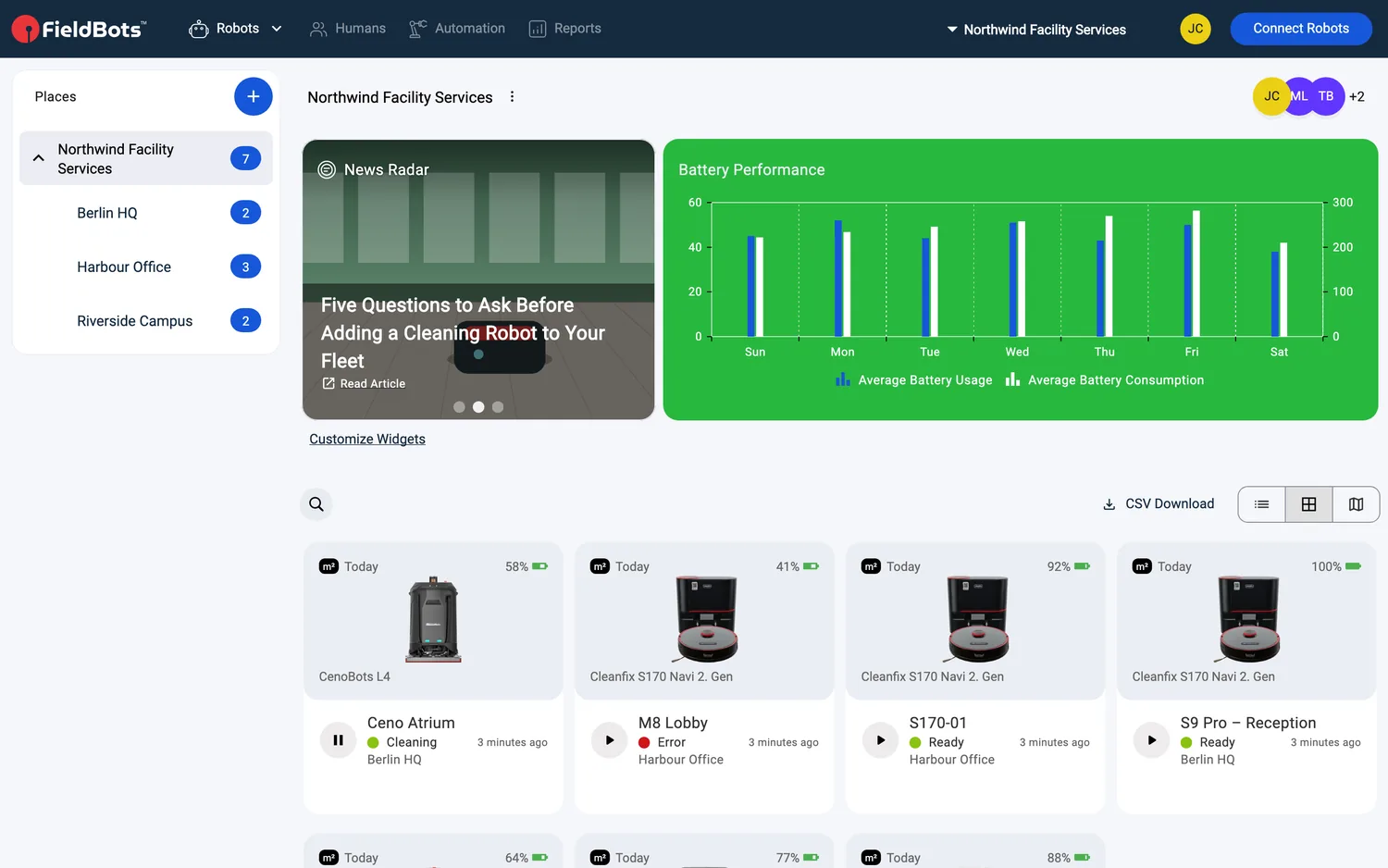
- Articles rotate automatically; click a dot under the card to jump to one. On a computer, rest the pointer on the card to pause the rotation.
- Click the card or "Read Article" to open the article in your browser in a tab of its own. (If an article has no link, clicking it does nothing.)
- The card's header and its small icon flip between white and black so the headline stays readable on every picture.
Add or remove the card
- A Manager clicks "Customize Widgets" on the "Robots" page to enter edit mode.
- Click the dashed "Add" tile, then find "FieldBots Radar" in the "Add Widget" popup — use "Search..." or scroll — and click the plus button on the card.
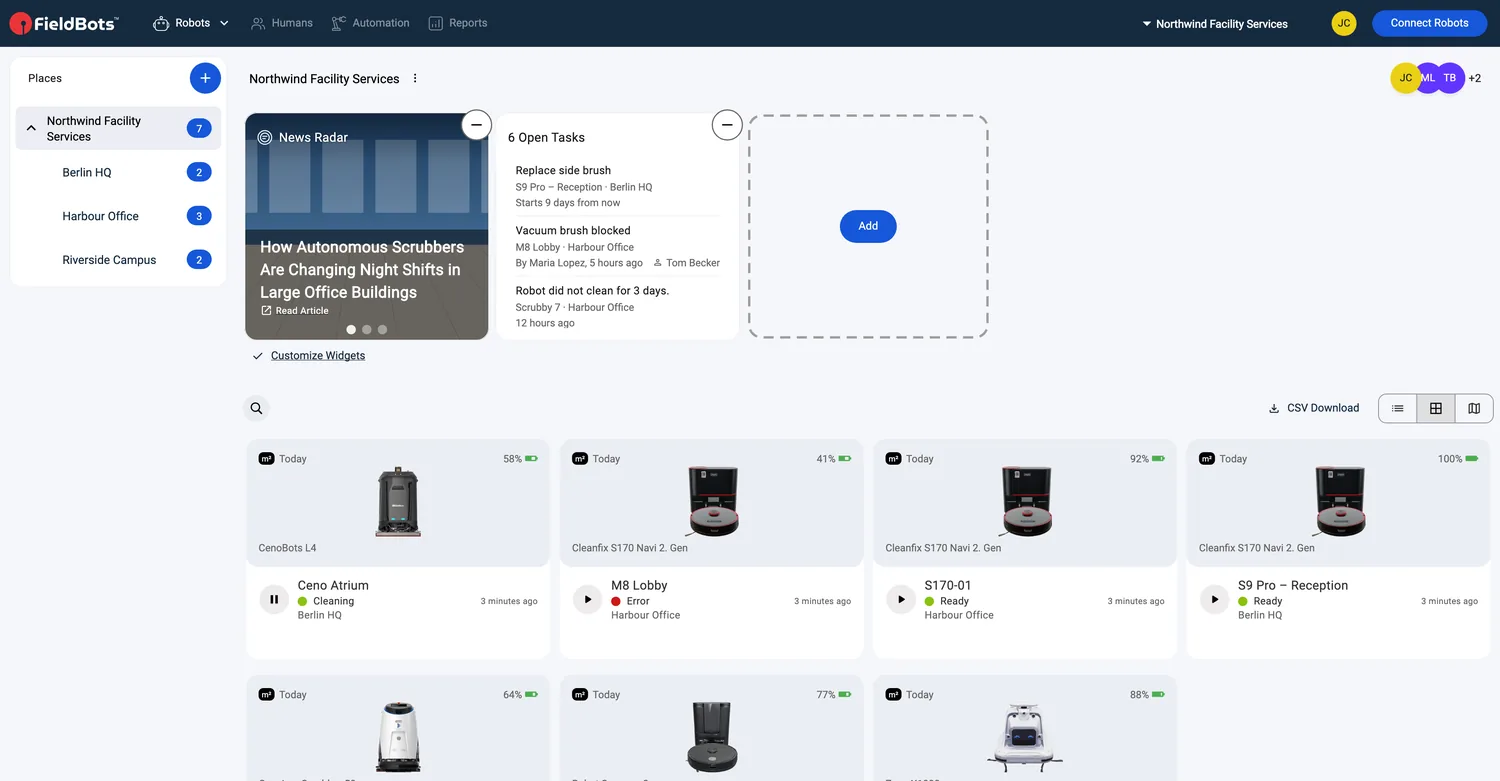
- To remove the card: in edit mode, click the minus on it.
Web / Mobile: The card sits on the "Robots" page in the web app and in the mobile app. On a computer, hovering pauses the rotation; on a touchscreen, swipe the carousel instead.
Open the news site directly
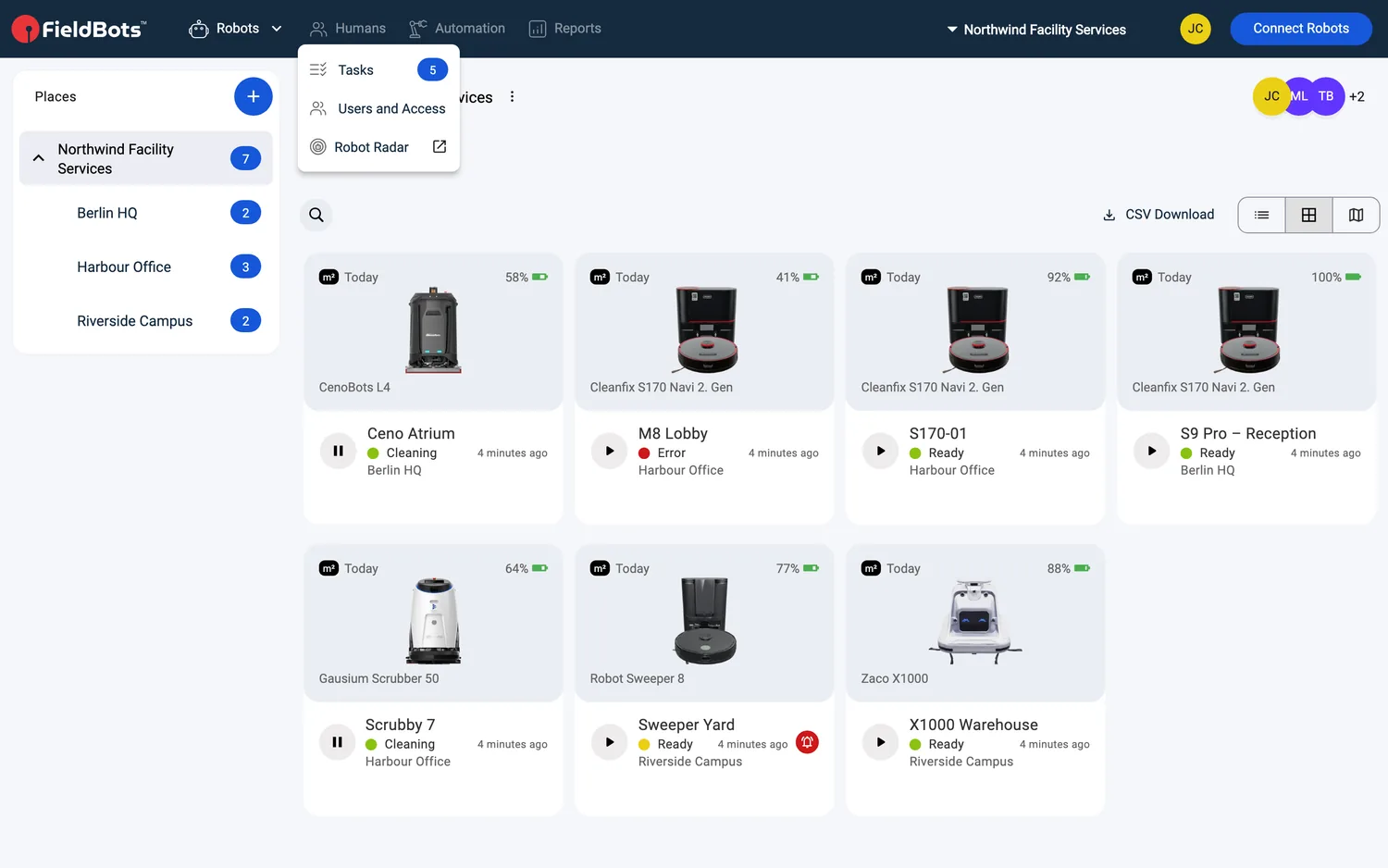
- Open "Humans" and select "Robot Radar🔗" — the FieldBots news site (radar.fieldbots.com) opens in your browser.
Supported robot models
Not robot-specific.
Notes and limits
- The card can be added on the "Robots" page only — the other pages don't offer it in their "Add Widget" popup. The card is one of the widgets of that page — see Widgets for the widget layout.
- It is a compact 1×1 tile that fits next to your other widgets.
- On a Free team the "Customize Widgets" control is not shown — teams whose layout already includes the card keep seeing it.
- Articles come from the FieldBots news site and follow your app's language; if a translation is missing, the English version appears.
- Articles always open outside the app, in your browser.
- When there is nothing to show, the card states "No results found".